

About game
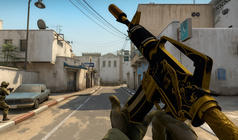
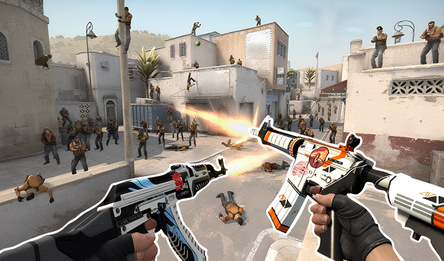
CoD — a fast-paced first-person shooter directly in your browser. Experience a browser-based multiplayer take on the legendary Call of Duty: Modern Warfare, combining iconic FPS action with competitive, esports-inspired elements from Standoff 2, CS, and Valorant!
Assemble your squad and battle across diverse maps to test your tactical skills and marksmanship.
Immerse yourself in the classic vibe of Call of Duty: Modern Warfare, CS 1.6, and CS:GO, combined with the high-adrenaline tactical gameplay of Valorant.
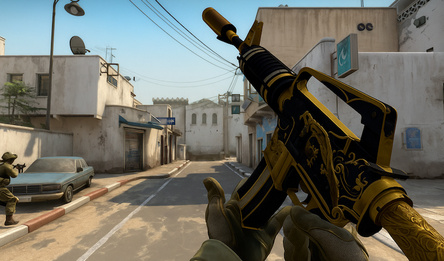
Become a CoD pro and compete against players in the world of esports shooters. Train your aim, unlock new guns, and customize your firepower. Switch up your class loadouts to master every match.
Are you ready to climb to the top of online FPS games? Prove your skills in CoD and become a legend! Perfect for fans of Standoff, Valorant, and Counter-Strike, delivered with an esports edge.
How to play
Controls: PC: - WASD - walk; - E — lean to the right; - Q — lean to the left; - Left shift - run; - Space - jump; - C - sit down; - Left mouse button – shoot; - Right mouse button – aim; - R — reload; - You can change weapons using keys 1, 2, 3, 4; - X — switch to the next specialization; - Z — switch to the previous specialization; - Esc - menu; - Tab - score; Phone\Tablet: - Left joystick - walk; - There are buttons above the left joystick to bend over; - Hold the left joystick forward - run; - Virtual button with the image of a jumping person - jump; - Virtual button with the image of a crouching person - sit down; - Point at an enemy or press the button with the image of a bullet - shoot; - Button with a picture of an aim - take aim; - Button on the right with two arrows - reload; - You can change weapons and specialization using the arrows at the bottom; - Pause button on top - menu and score;Game info
Age rating
16+
Platforms
Authorization support
Yes
Localization
Russian, English
Screen orientation
Release date
Cloud saves
Yes
Categories