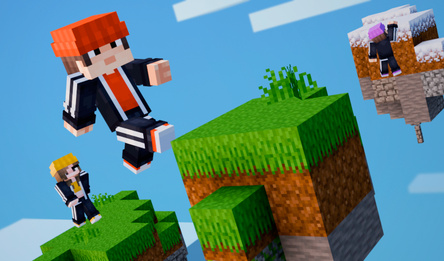
BlockMine Craft 3D: Building is a game about building in a big world made of blocks. Choose a house, windmill, temple, tower, or castle. Put every block in the right place and finish the build step by step. Earn Coins and XP, level up, and unlock new projects.
Want to build something of your own? Break and place any block, fly around the world, and change it any way you like. Build a mighty fortress, a huge city, or an entire kingdom. You can build anything you can imagine!
Play for free on desktop or mobile. Your progress is saved in the cloud.
How to play
Choose a project and place it on an open plot. Transparent guides will appear on the ground. Place the right blocks and finish the whole building. Completed projects give you Coins and XP. Level up and unlock new projects. Want to build freely? Open the inventory and create anything you like.
On desktop:
WASD — move.
Mouse — look around.
Space — jump.
Shift — sprint.
Hold the left mouse button — break a block.
Right mouse button — place a block.
E or I — open the inventory.
Number keys 1–9 — choose a block from the hotbar.
B — open Buildings.
F — turn flight on or off.
Esc — open pause and settings.
On mobile:
Use the joystick and on-screen buttons to move, look around, jump, place and break blocks, open the inventory, choose projects, and fly.