









About game
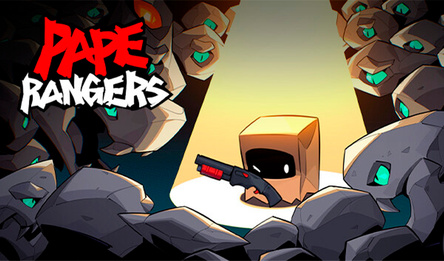
Cursor-Square vs Mine. Home Defense. Your cursor attacks automatically - defeat cute 2D Minecraft-style monsters!
- Over 150 upgrades!
- Ascension for suuuper powerful upgrades!
- Passive miners
- 3 biomes
- Fortress defense
- Arrows
- Trading
Battle 6 types of enemies, including teleporting foes and kamikazes!
How to play
Defeated enemies drop Copper, Silver, Gold, and Diamonds. Level up through the upgrades menu! Hire miners - Spend Silver on passive workers! Trade currency - Unlock trading (100 Gold) to convert excess currencies. Prestige levels - Complete levels to unlock challenging prestiges with better rewards! Controls: Left mouse button - click interface buttons. Hold left mouse button and drag - navigate the upgrade tree. Scroll mouse wheel - zoom in and out of the upgrade tree.Game info
Age rating
12+
Platforms
Authorization support
Yes
Localization
Russian, English
Screen orientation
Release date
Cloud saves
Yes
Categories