






About game
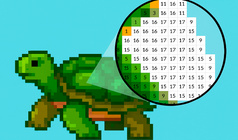
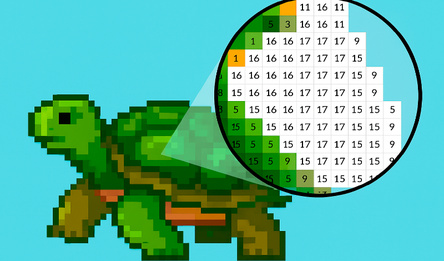
Color nonogram: Pixel Logic is not just a puzzle, but an exciting journey into the world of logic and color. Your task is to use the numbers at the edges of the field to decipher which cells and which color you need to fill in in order to gradually reveal the hidden illustration. There are no timers, pressure, or competition here — just the calm pleasure of solving and the joy of seeing vivid pictures pixel by pixel.
Why is it worth a try?
500+ unique images — from minimalistic patterns to detailed compositions
4 difficulty levels: from beginner to master of logic
Intuitive interface adapted to any device
Built-in hints and auto-check to avoid getting stuck in one place
Clean, unobtrusive design without distracting elements
If you appreciate Sudoku, keywords, or just like solving puzzles in silence, this game is made for you.
How to play
In color nonograms, each row and column is accompanied by colored numbers — they show how many cells of what shade need to be painted over and in what order. It is important to remember: blocks of the same color are always separated by empty cells, but blocks of different colors can touch — this is the key difference from black and white nonograms! How to work with colors: Before coloring, select the desired shade from the palette — it displays all the colors used in the current puzzle. Management: Left click to fill in the cell with the selected color. Hold and hover the cursor to quickly color entire sections. Clicking again will reset the cell to zero. Right click to put a label (×) if you are sure that the cell should remain empty. Average click (wheel) — timestamp (?) Completing the puzzle When you correctly place all the colors and empty cells, the game will automatically determine the victory and show a congratulatory screen.Game info
Age rating
0+
Platforms
Authorization support
Yes
Localization
Turkish, Russian, English
Screen orientation
Release date
Cloud saves
No
Categories